Adding Customers
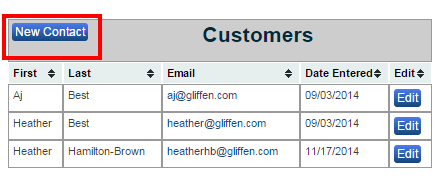
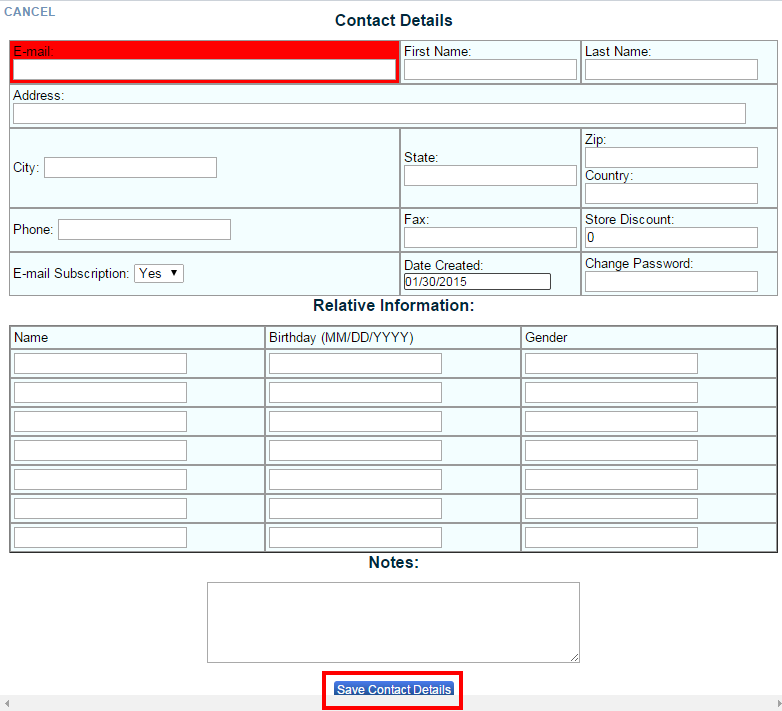
To add a new customer or new contact start on the “Customers” page by clicking on “Customers” located in the main navigation. The click on the “New Contact” button. Then fill out all the fields provided about that customer. An e-mail address is required and will help from duplicating customers. Once you have completed the form click “Save Customer Details”.