Deleting a Bill Payment
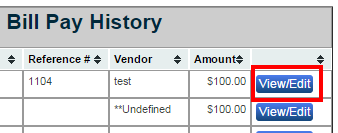
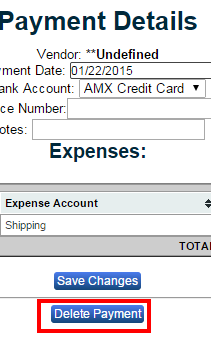
To Delete a bill click the “View/Edit” button in the column of the bill you want to delete. This button is located on the right of your screen. Click the “Delete Payment” button at the bottom of the screen to delete this payment. A pop up window will state, “This will delete the payment and return all associated expenses to unpaid status. Do you want to continue?” Hit “OK” to delete this bill payment.