Editing a Bill Payment
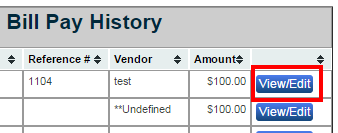
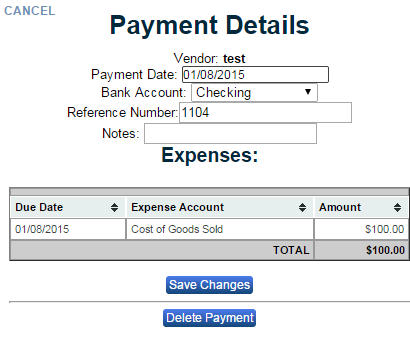
To Edit a bill click the “View/Edit” button in the column of the bill you want to view or edit. This button is located on the right of your screen. From here you can click in the “Payment Date” field and select a new payment date from the pop up calendar. By clicking in the “Bank Account” field use either your arrow keys or mouse to select an account (checking or AMX credit card). Click in the “Reference Number” field to adjust the reference number and use the “Notes” field to enter in any additional information. When finished hit “Save Changes” to record your changes.