Filtering the History List
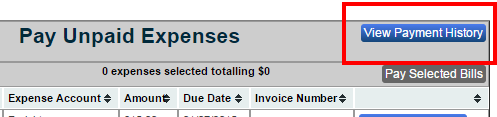
To View your Bill Pay History select the “View Payment History” button on the “Pay Bills” home page then you can filter the list .
You can filter the Bill Pay History by adjusting the values in “Filter List” located in the top header of your screen. Click in the “Bank Account” field and select with your arrow keys or mouse: all account, checking, or AMX Credit Card. Click in the “Date Range” field to select a start date and end date via the pop up calendar. When finished, click the “Update List” button and your Bill Pay History will now be filtered by your selections.
